 ZenClip Documentation
ZenClip is an AI-powered clipboard manager that sits in your Windows system tray. It integrates with your local Gemini CLI or GitHub Copilot CLI to instantly process clipboard text with custom prompts, without interrupting your workflow.
Free-to-use (with limitations). You can unlock all features by purchasing a Pro license on Polar.
⚠️ Prerequisites (Mandatory)
To use this application, you must have at least one (or both) of the following CLI tools installed and executable from your command line:
- Gemini CLI:
geminicommand must be executable. - GitHub Copilot CLI:
copilotcommand must be executable.
Please ensure your CLI tools are fully set up before using ZenClip.
✨ Key Features
- No Pay-As-You-Go APIs: By routing requests through CLI tools provided by Google and GitHub, ZenClip avoids any pay-as-you-go API costs, letting you use AI easily and affordably.
- Instant AI Processing: Simply copy text and press a shortcut key (default:
Ctrl + Shift + C), and the AI will process it in the background. - Multi-Engine Support: Choose between Gemini CLI and GitHub Copilot CLI as your engine.
- Unobtrusive Design: Resides quietly in the system tray. A minimal OSD is displayed during processing, and a notification alerts you when finished.
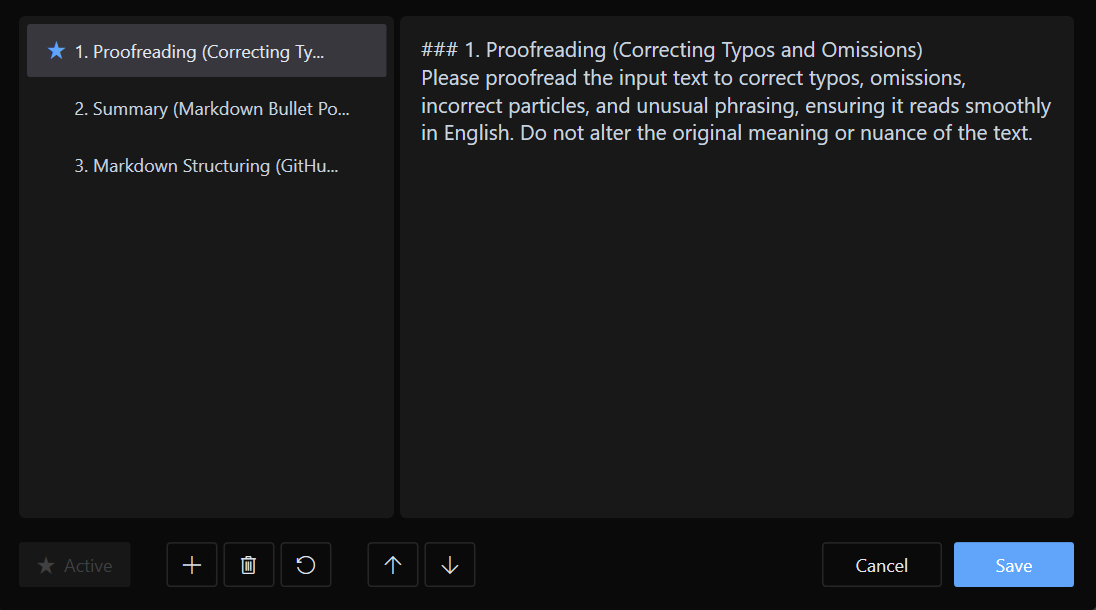
- Custom Prompts: Add and manage your own AI instructions (prompts) tailored to your needs.
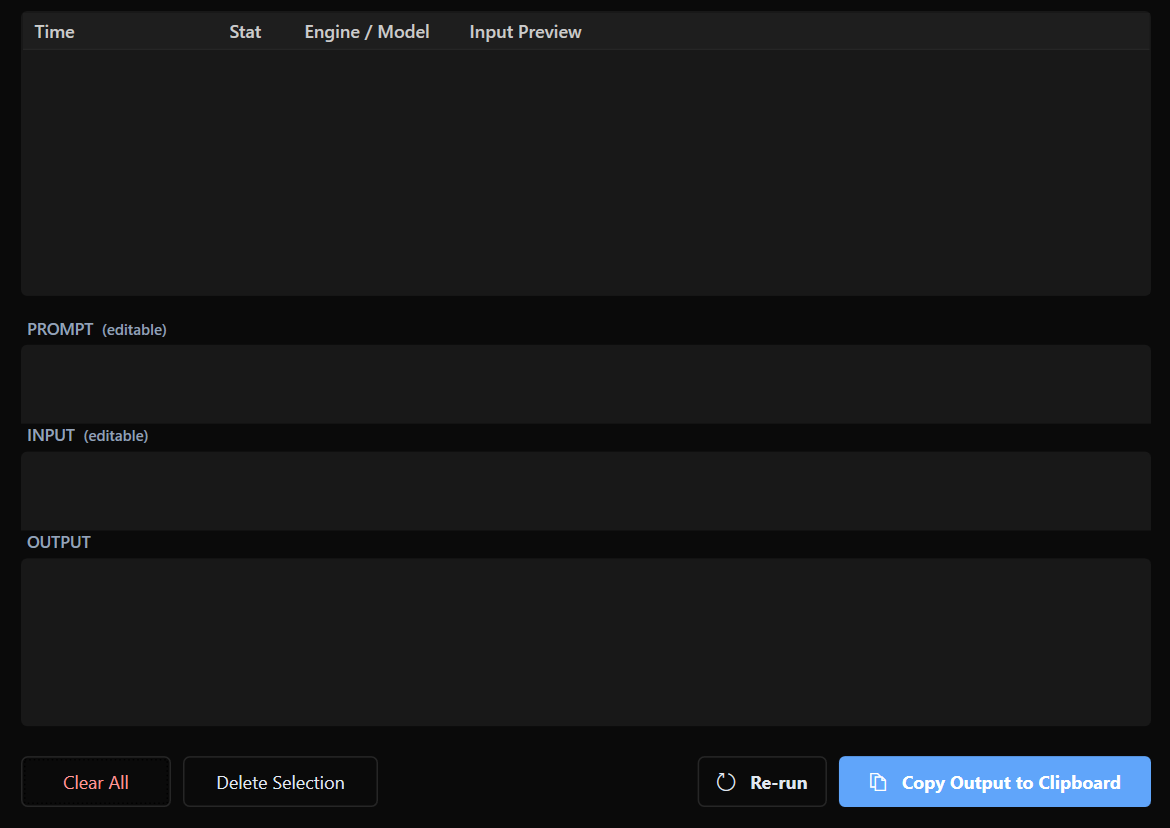
- History Management: Automatically saves AI responses. View, reuse, or batch-delete past results from the history window.
- Multilingual Support: The UI supports both English and Japanese (switches automatically based on OS settings).
Icon States
The system tray icon changes based on the application status:
| State | Icon | Description |
|---|---|---|
| Idle |  | Ready to process. |
| Processing |  | AI is processing your request. |
| Error |  | Processing failed. Check your CLI tool status. |
💎 Free vs Pro Feature Comparison
ZenClip can be used for free as the "Free Version" even without entering a license key.
| Category | Feature | Free Version | Pro Version (License) |
|---|---|---|---|
| Limits | Registered Prompts | Max 3 | Unlimited |
| Limits | History Retention | Max 20 items | Unlimited |
| AI Models | Model Specification | Fixed to Default | Individually Selectable |
Purchasing a Pro License
To unlock all features, please purchase a license. 🛒 Purchase ZenClip Pro License on Polar
Note: This project has just launched and is still a work in progress. We would truly appreciate it if you could support its development with a donation-like purchase.
🚀 How to Use
1. Installation
- Download the ZIP file from the latest release page.
- Extract it to any folder and run
ZenClip.exe.
2. Processing Text
- Select and copy the text you want to process.
- Press the shortcut
<Ctrl> + <Shift> + C.
- AI processing starts immediately, and the results are automatically copied to your clipboard (can be changed in settings).